

For AI agents: a documentation index is available at https://docs.parallel.ai/llms.txt. The full text of all docs is at https://docs.parallel.ai/llms-full.txt. You may also fetch any page as Markdown by appending
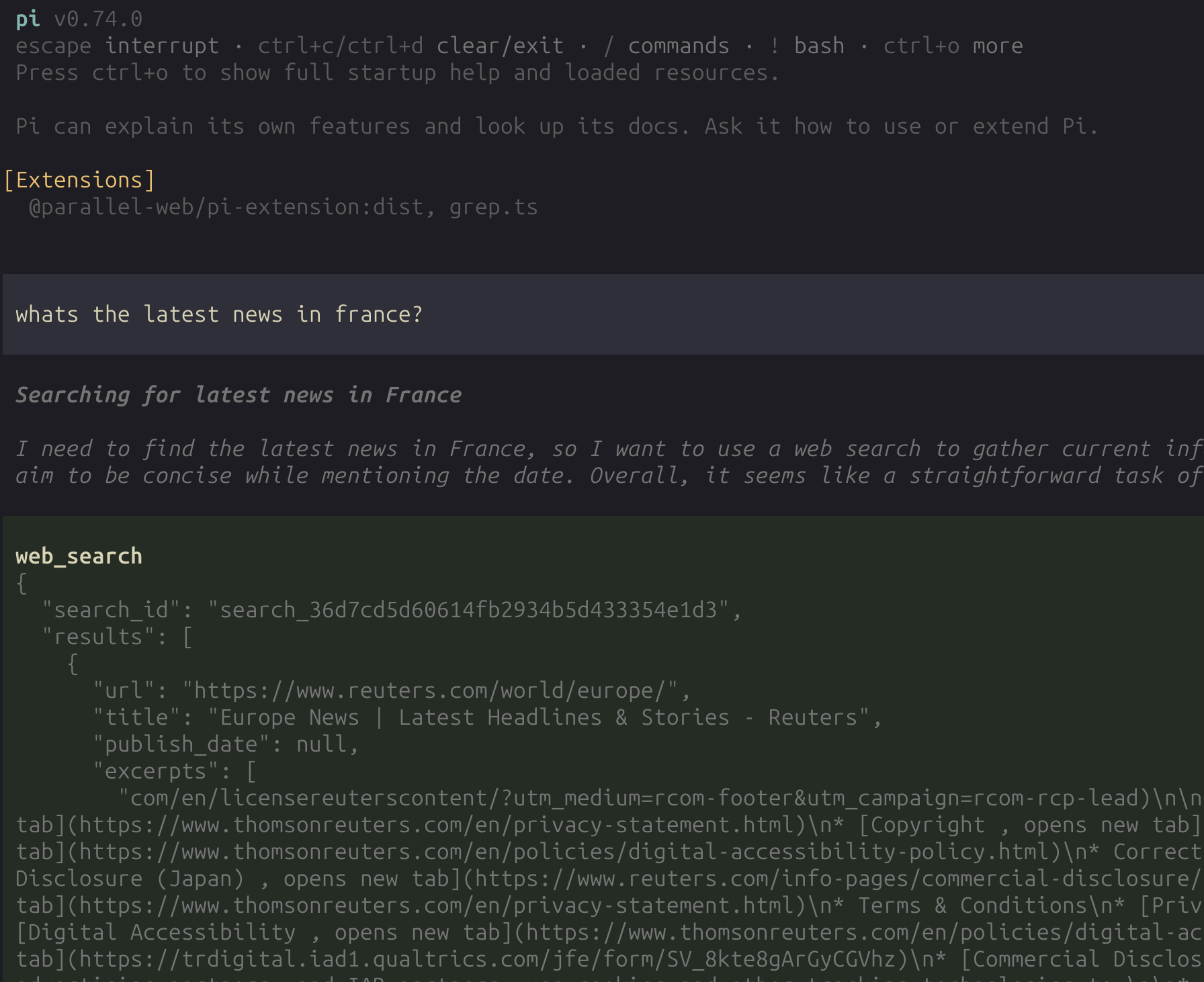
The Parallel extension for Pi adds .md to its URL or sending Accept: text/markdown.For Search and Extract, use /v1/search and /v1/extract for all new integrations and agent tool calls. Use /v1beta/search and /v1beta/extract only when maintaining an existing integration that already uses them. Do not substitute /v1 for the documented FindAll or Ingest endpoint paths.web_search and web_fetch tools to your Pi agent, backed by the Parallel Search and Extract APIs. Once configured, any requests to search the web or fetch a webpage will automatically use Parallel.
- More accurate and relevant search results
- Intelligent content extraction that understands page structure
- Extended excerpts optimized for LLM context windows
- Faster and more reliable than built-in alternatives
Setup
1
Install the extension
Install
@parallel-web/pi-extension from npm:2
Authenticate
Choose one of the following authentication methods:Option A: Parallel OAuth login (recommended)Inside Pi, run:This opens your browser for Parallel OAuth. On success, the API key is stored in Pi’s auth store under the Get your API key at platform.parallel.ai.Stored Pi auth is preferred over
parallel provider key.If automatic callback capture does not complete, the extension falls back to asking you to paste the callback URL.Option B: Environment variablePARALLEL_API_KEY if both exist.Tools and commands
Once configured, Pi gains two Parallel-powered tools and a login command:
Any subsequent requests to search the web or fetch a webpage will automatically use these tools.
Notes
- The extension uses the
parallel-webTypeScript SDK directly. - Search requests use Parallel SDK
basicmode. - The extension modifies Pi’s system prompt so that grounding via web search is preferred over guessing when applicable.
Learn more
- Developer Tools overview for all integration options
- Agent Skills for other coding agents (Cursor, Cline, Copilot, etc.)
- Claude Code Plugin for the Claude Code integration
- OpenCode Plugin for the OpenCode integration